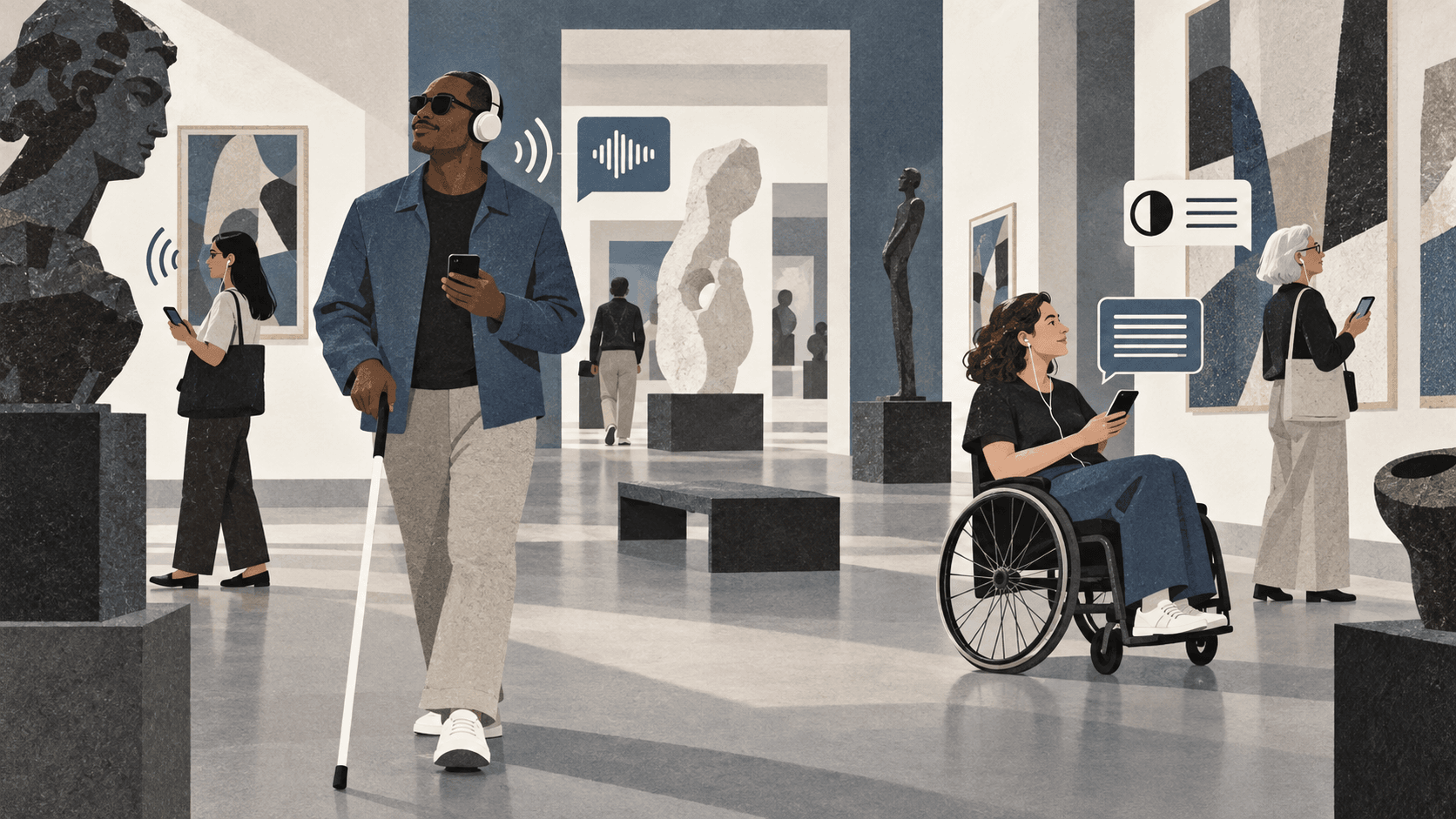
Accessibility begins before the first track
An accessible audio guide is more than an audio player with large buttons. The complete journey matters: discovering that a guide exists, scanning or entering its link, choosing a language, finding an exhibit, controlling playback, and returning to the exhibition. A barrier at any one of these points can prevent a visitor from using the guide independently.
Begin by testing the visitor journey without assumptions about sight, hearing, dexterity, technical confidence, or the device being used. Instructions should be short and concrete. QR codes need a written link as a fallback, and the guide should never depend on color alone to communicate status or meaning.
Support VoiceOver and TalkBack properly
Apple VoiceOver and Android TalkBack allow people to navigate a phone through spoken labels and gestures. Compatibility requires meaningful names for controls, a logical reading order, correctly announced changes, and controls that retain their purpose when the screen is not being viewed. A button labelled only with a play icon may look obvious but can be meaningless to a screen reader.
Test with the real assistive technologies, not only an automated checker. A visitor should be able to select a language, browse areas and exhibits, enter an exhibit number, start or pause audio, understand playback progress, and return to the previous view without becoming trapped or losing context.
- Give every interactive control a clear accessible name
- Keep headings and landmarks in a predictable hierarchy
- Announce errors, loading states, and playback changes
- Maintain visible keyboard focus for switch and keyboard users
Make text readable at 200 percent
Visitors may enlarge browser text or use system-wide display settings. At 200 percent, content should reflow instead of being clipped, overlapped, or hidden behind fixed controls. Avoid locking essential text inside containers with fixed heights, and allow long exhibit titles and translated labels to wrap naturally.
Readable typography also means comfortable line spacing, sensible line lengths, and sufficient separation between controls. Increasing text size should not force visitors into horizontal scrolling for ordinary reading or make the playback interface impossible to operate.
Use contrast and transcripts as complementary tools
Strong contrast benefits visitors with low vision, people viewing a screen in bright galleries, and anyone using an older display. Text, icons, focus indicators, and disabled states all need to remain distinguishable. A high-contrast mode can help, but the standard design should already provide a robust baseline.
Every audio track should be able to include a transcript. Transcripts support Deaf and hard-of-hearing visitors, people who prefer reading, non-native speakers, and visitors in spaces where listening is inconvenient. They should be structured as readable content rather than presented as a dense, unformatted block.
Write inclusively and offer equivalent information
Technical compliance does not guarantee an inclusive experience. Describe visual details when they are central to the story, identify speakers, explain specialist vocabulary, and avoid relying on phrases such as ‘as you can see’ without giving useful orientation. When a map or floor plan carries essential information, provide an equivalent text explanation.
Accessibility is strongest when disabled visitors participate in testing. Short sessions with real users often reveal issues that teams and automated tools miss, especially around unclear instructions, unexpected focus changes, and the physical placement of signs and QR codes.
Build accessibility into the publishing workflow
Treat accessibility fields as part of publishing, not as optional cleanup. Before a track goes live, check its title, transcript, language, image description where needed, and playback behavior. Repeat the test after meaningful interface or content changes.
Classic Audioguide supports Apple VoiceOver, Android TalkBack, larger text, high contrast, multiple languages, and track transcripts. These capabilities provide a practical foundation, while each museum remains responsible for accessible content, signage, and testing in its own visitor environment.