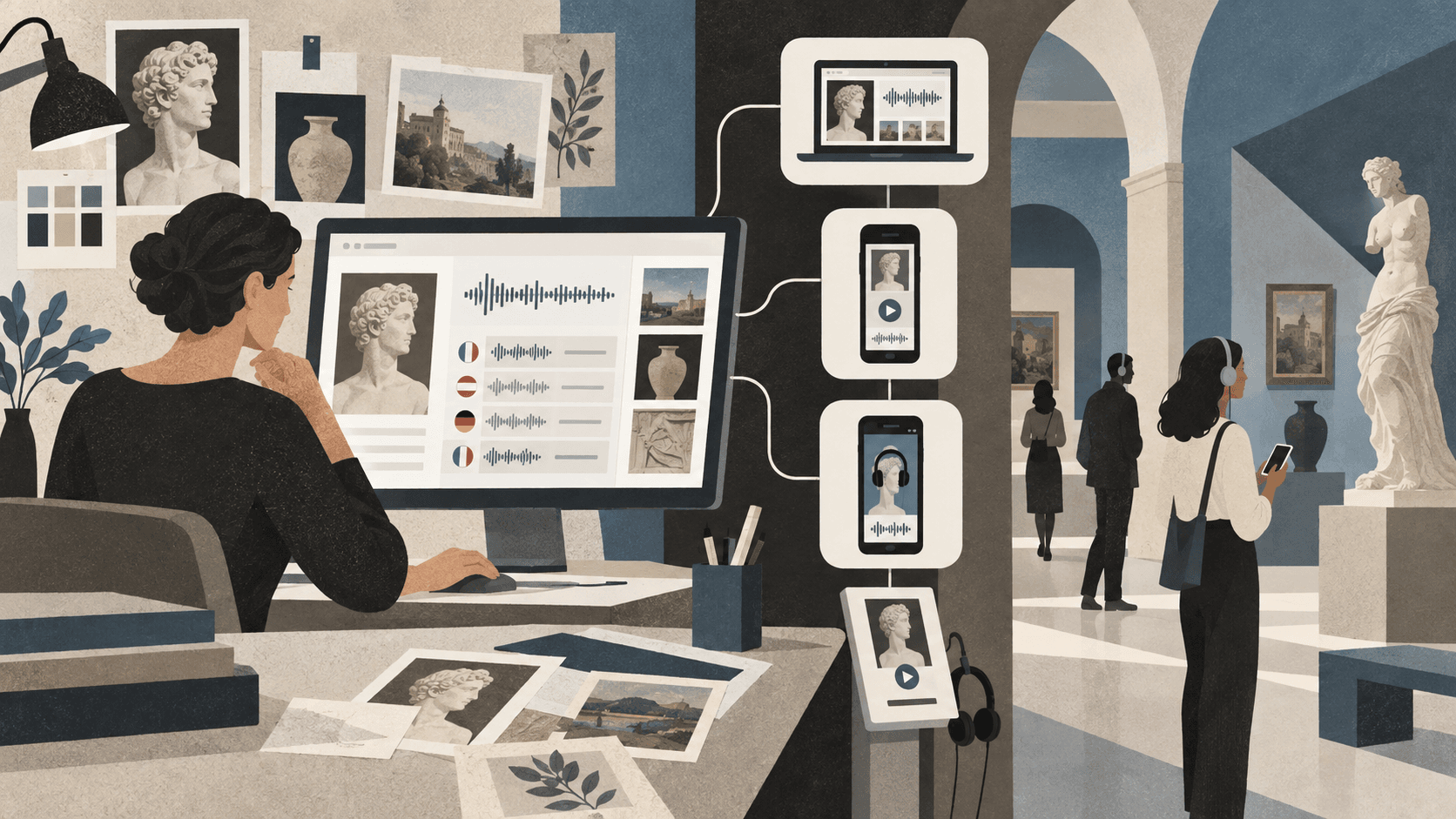
What is an audioguide platform?
An audioguide platform combines the tools used by a cultural organisation to manage content with the interface visitors use during a visit. The staff-facing content management system, or CMS, typically organises exhibitions, languages, areas, object numbers, images, transcripts, and audio. The visitor side turns that material into a guide that can be opened and navigated on a phone or managed device.
This is different from commissioning a single custom app. A platform provides a repeatable publishing process: teams can launch a temporary exhibition, update a title after opening, add a translation, or replace a recording without beginning another development project.
Start with the visitor access model
The first strategic choice is how visitors enter the guide. A web app or progressive web app can open directly from a QR code and works across common phones without a traditional installation. A native iOS or Android app can provide tighter device integration, while an iOS App Clip offers a lightweight native entry point without asking for a full download.
No single channel suits every venue. The strongest platforms let a museum use the same content across several entry routes. QR access may serve occasional visitors, the installed app may help returning audiences discover nearby exhibitions, and native software can form the basis of managed rental devices in kiosk mode.
Evaluate the CMS as an everyday working tool
A long feature list matters less if routine changes require technical support. Curators and project teams should be able to create an exhibition, upload audio, assign object numbers, organise content by area, add images, manage languages, and publish changes without developer assistance.
Ask who can edit content, how drafts and live status are handled, whether links remain stable after updates, and how easy it is to test the visitor view before launch. A clear CMS reduces turnaround time and keeps knowledge inside the organisation rather than with an external production supplier.
- Stable public links and reusable QR codes
- Gallery browsing and classic number entry
- Multiple languages and language-specific introductions
- Simple image, audio, transcript, and floor-plan management
- A realistic preview of the visitor experience
Plan for accessibility and difficult buildings
An audioguide platform should work with screen readers such as Apple VoiceOver and Android TalkBack, support enlarged text and strong contrast, expose controls with meaningful labels, and allow transcripts to accompany audio. Accessibility needs to cover the complete route through the guide, not only the player screen.
Museum buildings also create practical constraints. Thick walls, basements, and busy networks can produce weak reception. Audio preloading helps playback continue after the guide has loaded. Teams should still test the actual venue, provide clear connection instructions, and consider managed devices where visitor connectivity is especially unreliable.
Understand pricing and operational ownership
Compare the total operating model rather than only the monthly price. Relevant questions include setup fees, traffic or playback limits, storage, the number of exhibitions, text-to-speech availability, support, app maintenance, analytics, data-processing terms, and the cost of adding languages later.
Also establish who owns the recordings and text, how content can be exported, what happens when a subscription ends, and how the provider handles security and availability. A platform becomes part of the public exhibition infrastructure, so predictable maintenance and support are as important as launch speed.
Run a small pilot before committing
A useful evaluation does not need to reproduce an entire museum. Build one short guide with several objects, at least two content types, and the real visitor entry point. Test it with front-of-house colleagues and people who did not help create it. Observe whether they understand the QR invitation, navigation, number entry, and playback without coaching.
Classic Audioguide is designed for this kind of pilot: teams can begin with a web audioguide, manage content through the CMS, and retain the same platform as exhibitions, languages, visitor numbers, and delivery channels grow.