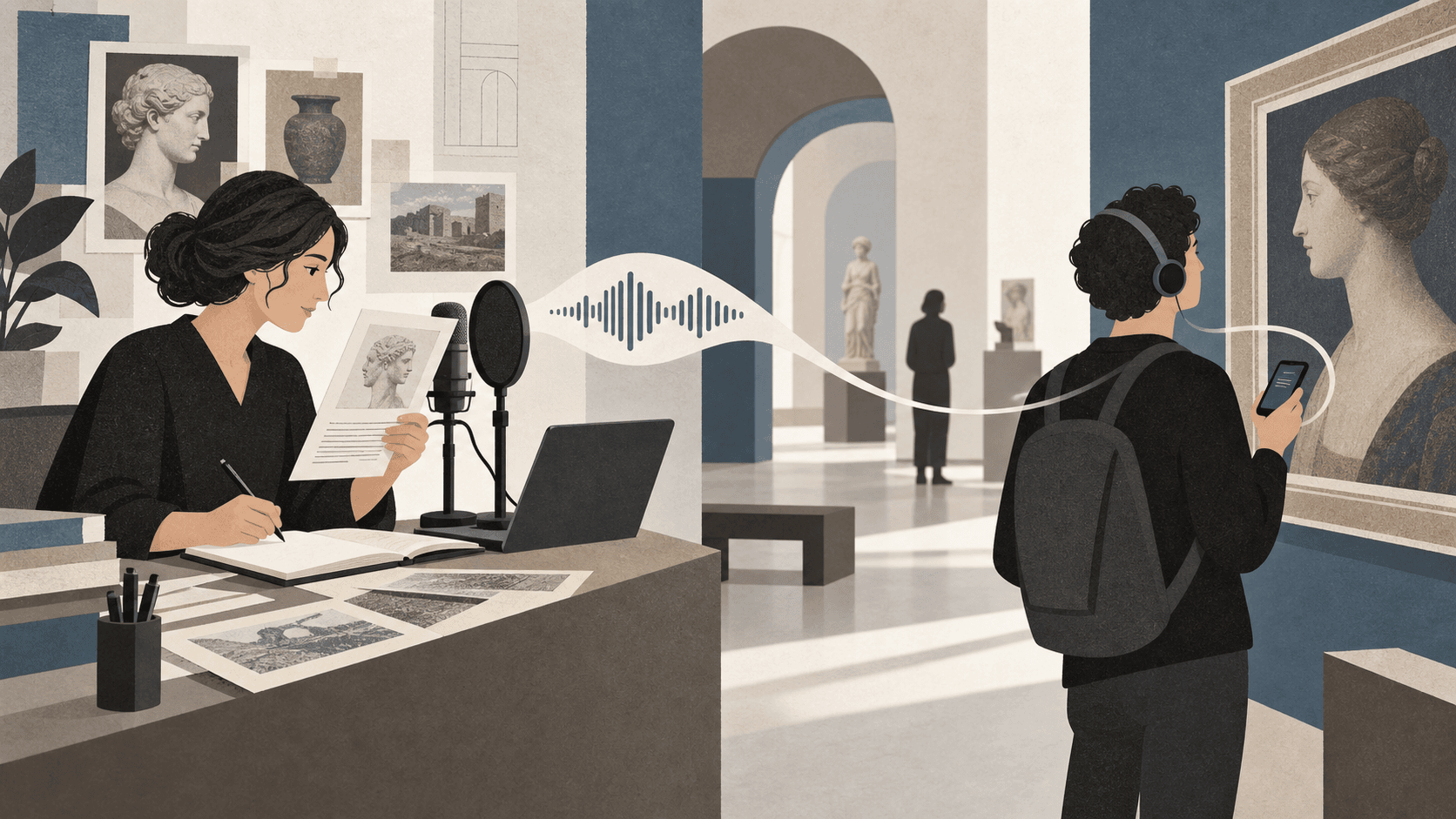
Start with the visitor, not the equipment
Before choosing microphones or software, decide what the guide should help a visitor do. Should it reveal details they may miss, add voices that are absent from the wall text, or make a complex story easier to enter? One clear purpose will improve every later decision.
Choose a primary audience and a realistic visit. A family moving through six highlights needs a different structure from a specialist exploring an archive for an hour.
Select fewer, stronger stops
An audio guide does not need to describe every object. A short route with purposeful stops is easier to start and more likely to be completed. Look for visual anchors, changes of pace, surprising stories, and moments where sound can add something the room cannot.
- Give every stop one central idea
- Mix short orientation tracks with deeper stories
- Keep the route understandable without forcing a fixed order
- Use clear, visible numbers beside each featured object
Write for the ear
Visitors cannot scan backwards through spoken words as easily as they can reread a label. Use short sentences, concrete language, and verbal signposts. Point to something visible early: a color, material, face, mark, or part of the building.
Read every script aloud before recording. If a sentence feels awkward to say, it will also be awkward to hear. For a general audience, two to three minutes per main track is often enough to establish a scene and leave space for looking.
Record cleanly, not extravagantly
A quiet, soft room and consistent microphone distance matter more than an elaborate studio. Record a short test, listen on ordinary phone speakers and headphones, then keep the same setup for the full session.
Export commonly supported audio such as MP3 or M4A. Use consistent filenames and keep an editable master of the recording in your archive.
Make the first scan effortless
Place the main QR code where visitors naturally pause and explain the benefit in a few words: Scan to hear the stories. Avoid requiring an account, an app-store search, or several setup screens before the first track.
Test the complete journey on older Android phones and current iPhones, in the actual building and on its available mobile connection. Ask someone unfamiliar with the project to start without instructions; hesitation reveals where the experience needs simplification.
Publish, observe, improve
A digital guide can evolve after opening day. Watch which tracks are started, ask front-of-house colleagues what visitors struggle with, and revise unclear titles or instructions. Keep the QR destination stable so improvements do not require new signs.