What is a text-to-speech audioguide?
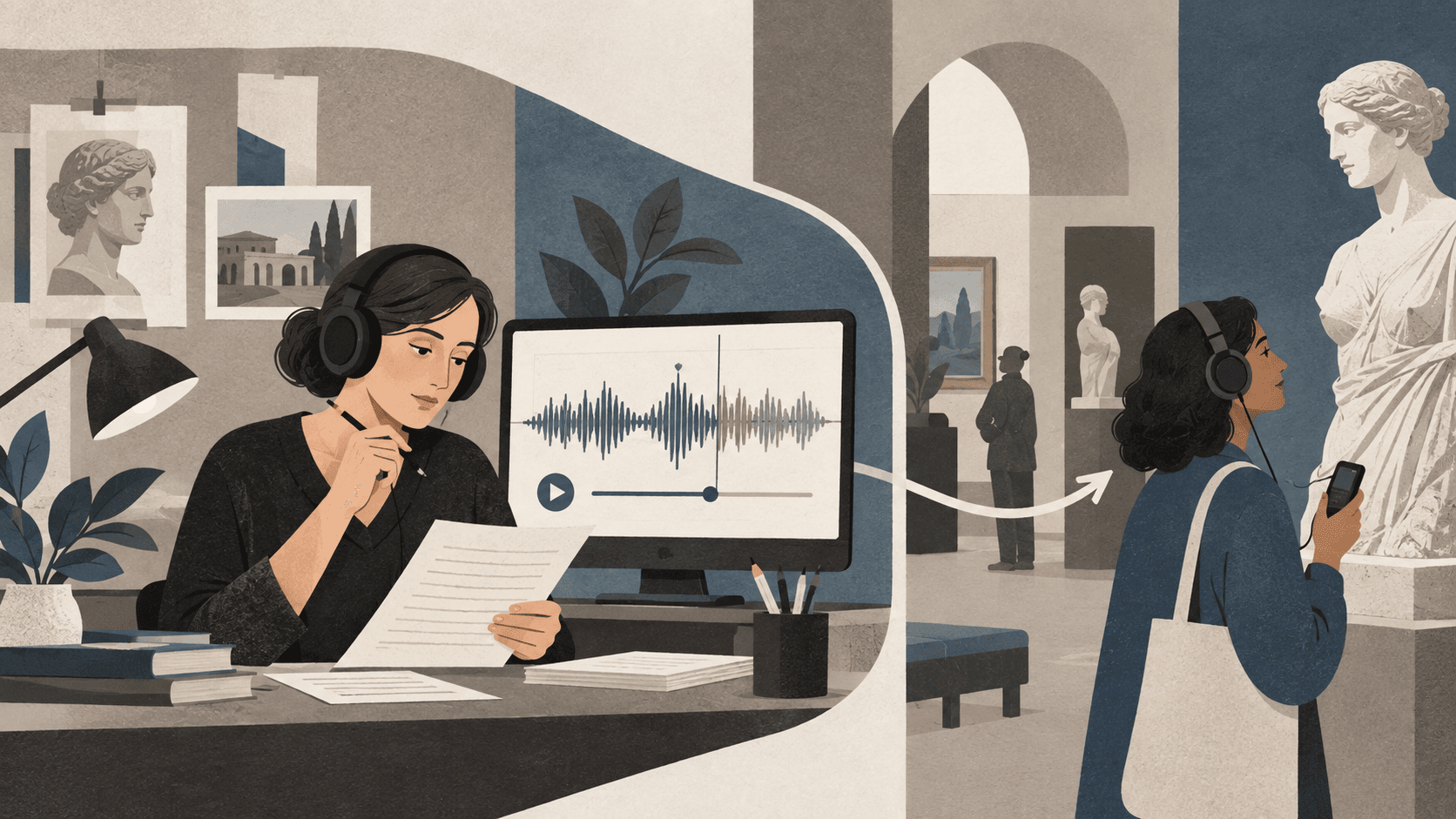
A text-to-speech audioguide turns a written script into spoken audio using a synthetic voice. Instead of recording every track with a narrator, a museum can paste finished text into its audioguide platform, select a voice, generate the audio, and review the result before publishing it for visitors.
This can shorten production time considerably, especially for pilots, temporary exhibitions, late content changes, and additional languages. It does not remove the need for editorial work. The quality of the visitor experience still depends on a clear script, appropriate pronunciation, thoughtful pacing, and careful listening before publication.
Where synthetic narration is most useful
Text-to-speech is particularly useful when recording resources are limited or content changes frequently. A small institution can test an audioguide before investing in a studio session. A temporary exhibition can publish updates shortly before opening. A museum can also add a language for which a suitable narrator is not immediately available.
It can also support internal prototypes. Hearing a script reveals long sentences, repeated ideas, difficult names, and sections that compete with looking. Teams can revise with generated speech, then decide whether to keep that version or replace it with a human performance later.
- Pilot guides and proofs of concept
- Temporary or frequently changing exhibitions
- Additional language versions
- Last-minute corrections and replacement tracks
- Script review before a professional recording session
Write for listening, not for a wall label
A synthetic voice cannot rescue a text that was never designed to be heard. Use short sentences, concrete language, and audible transitions. Introduce one idea at a time and direct attention to something the visitor can see. Dates, inventory numbers, abbreviations, and long lists become tiring quickly when spoken aloud.
Punctuation influences timing. Full stops create clearer pauses than strings of commas, while headings and paragraph breaks help separate ideas during editing. Read the script aloud yourself before generating the track. If a sentence is difficult for a person to say naturally, it is unlikely to become clearer through text-to-speech.
Choose and test the voice in context
The most impressive voice in a short demonstration is not automatically the best voice for a complete visit. Listen to several full tracks on ordinary phones and headphones. Consider clarity, pace, warmth, consistency, and whether the voice suits the subject without turning it into a performance the technology cannot sustain.
Names, places, foreign phrases, dates, and specialist terms need particular attention. Generate a short pronunciation test before producing an entire guide. Rewriting a phrase is often more reliable than repeatedly accepting an unclear result. Keep voice and loudness reasonably consistent between tracks so visitors are not forced to adjust the volume at every stop.
Use text-to-speech responsibly
Visitors should not be misled about who is speaking. Do not use a synthetic voice to imitate a real artist, witness, community member, or historical person without an appropriate ethical and legal basis. Where the identity of a speaker carries meaning, an authentic recording may be essential rather than decorative.
Human narration remains stronger for testimony, humour, emotionally sensitive subjects, poetry, dialect, and material where performance is part of the interpretation. Text-to-speech works best as a practical publishing option, not as a claim that every voice and story is interchangeable.
Accessibility still requires more than audio
Generated narration should be accompanied by an accurate transcript. Transcripts help Deaf and hard-of-hearing visitors, support people reading in a second language, and provide access when listening is inconvenient. The guide itself should also work with Apple VoiceOver and Android TalkBack, enlarged text, strong contrast, and clearly labelled playback controls.
Test the complete route from QR code to finished track in the actual venue. Check loading in areas with weak reception, listen against gallery noise, and confirm that every language and exhibit number opens the intended content. Synthetic production may be fast, but publication should still include a human quality check.
Keep the option to replace a generated voice
A useful audioguide platform should not lock a museum into its first production method. Teams may begin with text-to-speech, learn from visitor use, and commission selected human recordings later. The public link, QR code, exhibit structure, and transcripts can remain stable while the audio evolves.
Classic Audioguide includes a choice of text-to-speech voices on paid plans and allows generated narration to be replaced with uploaded recordings. This makes synthetic speech a flexible part of the CMS workflow rather than an irreversible production decision.